Adding Fees/Fines Payment to TBS Portal with Authorize.NET
Steps to setup Fees/Fines payment in TBS Portal using Authorize.net
- Authorize.Net account created and setup to be in LIVE mode. This can only be done by the library as TBS has no part in setting up this account.
- The server requires a certificate, which is a vital component for ensuring security (a wildcard certificate may be used if the library domain is for the website).
- We need an External URL for library patrons to access based on the certificate above (for example, https://tbs.librarydomain.com/easybooking). This needs to be set up in the firewall to route to the TBS server on port 443.
- Configure Server with cert and URL above in IIS. How to install certificate in IIS for TBS Software | TBS Libraries KB (tbsit360.com)
- Configure the Authorize.net Account for TBS after the account has been created How to Setup Authorize.NET for easybooking fees/fines | TBS Libraries KB (tbsit360.com)
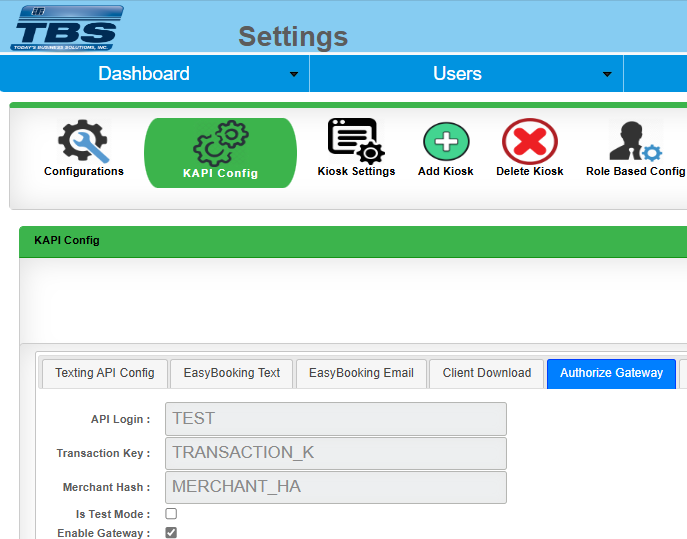
- Configure TBS Portal with API key provided by the library (TBS will configure and then test. Merchant Hash is NOT needed)