
How to Override Payments on ScanEZ
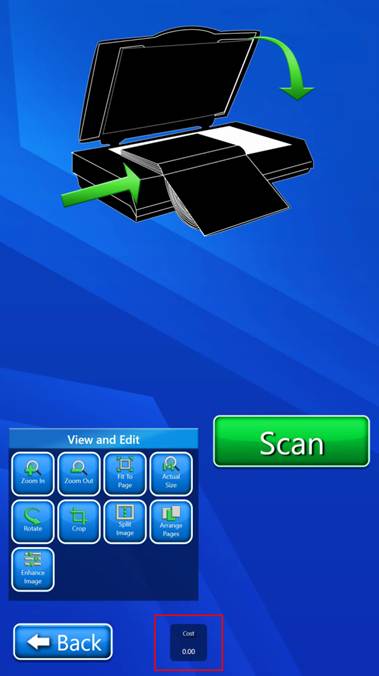
- At the scan screen, triple tap the Cost Box at the bottom of the screen.
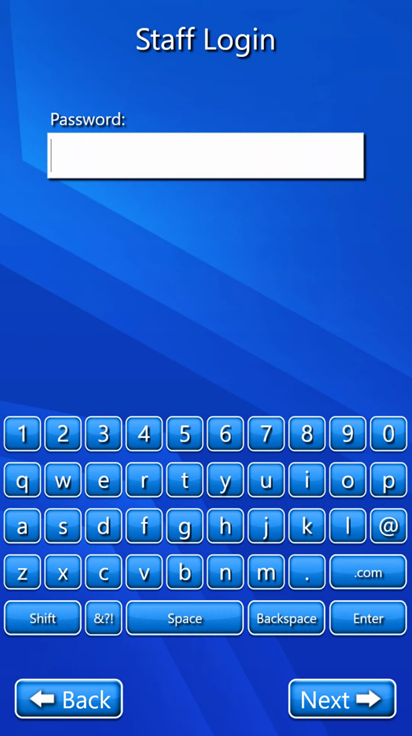
- Enter in the Staff password.
- You will know that the bypass is activated when the Cost Box at the bottom of the screen is no longer there.
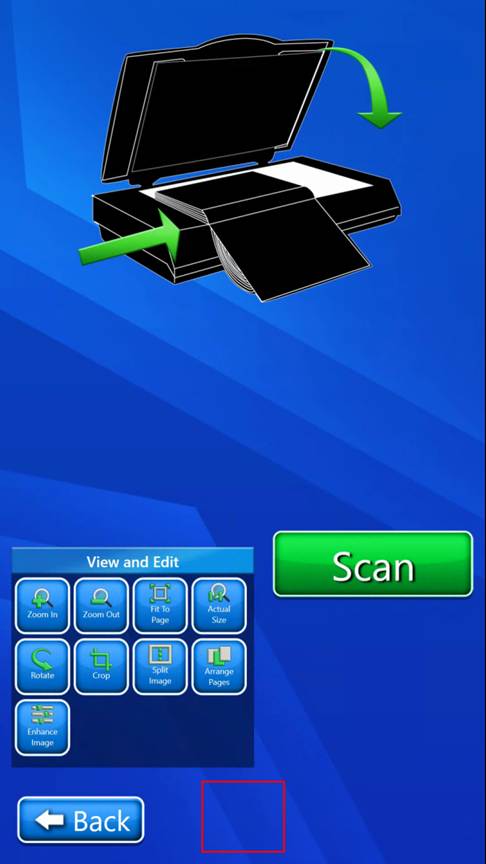
PLEASE NOTE: The bypass is only activated for this scan only. When you back out to the main TOUCH HERE TO START screen or complete a scan and select the I’M DONE button, the payment will automatically reactive.