Installing Guest Passes MSI on a new staff computer
TBSPortal
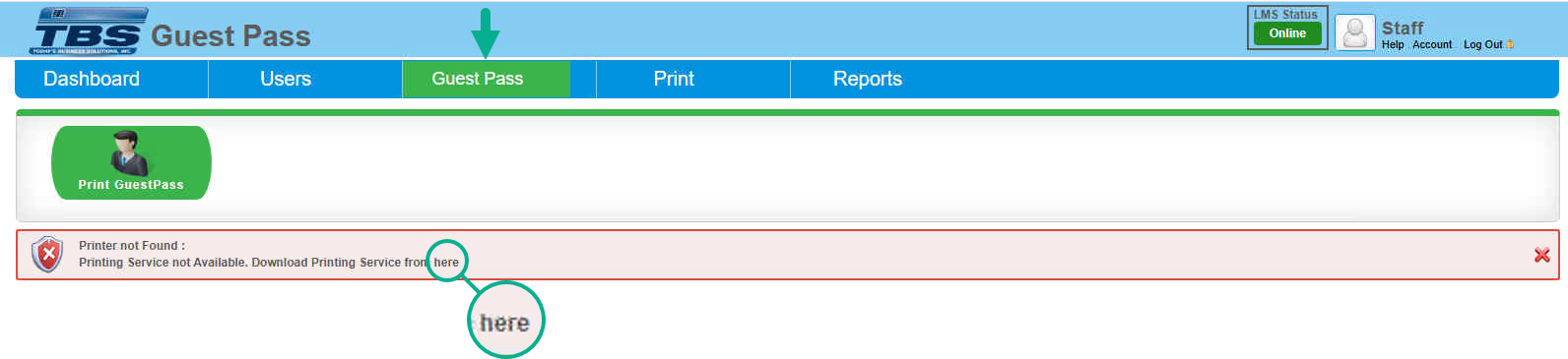
If you are running into an issue with having the "Guest Passes" to print out its most likely that the necessary software is missing on the PC. You will first need to be logged in to the TBSPortal, and select the "Guest Pass" tab. You will then be presented with the error below. What this means is that the "TBS Printing Service" isnt installed and or running on the PC. CLICK on the "HERE" as its hyperlinked to download the the "tbsclient" to get this working.
*REMINDER: The printer that you choose to utilize for the guest passes to print from must be installed LOCALLY on the PC.
It will not work if the printer is installed by a shared or network.
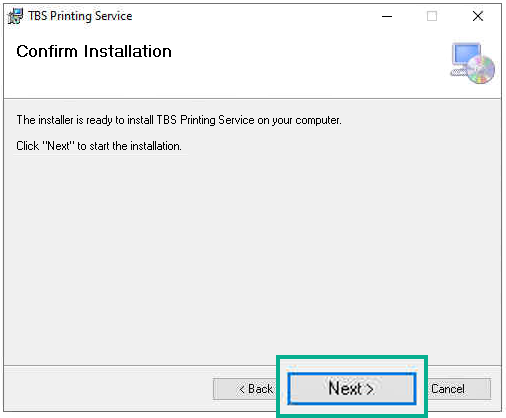
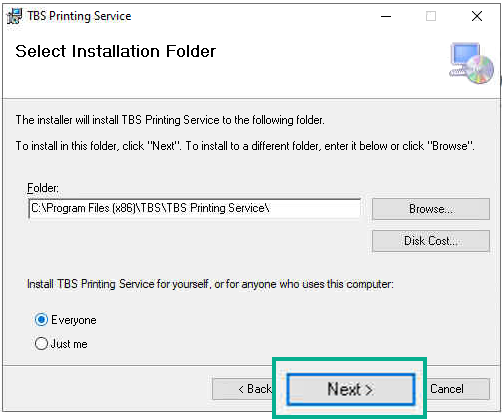
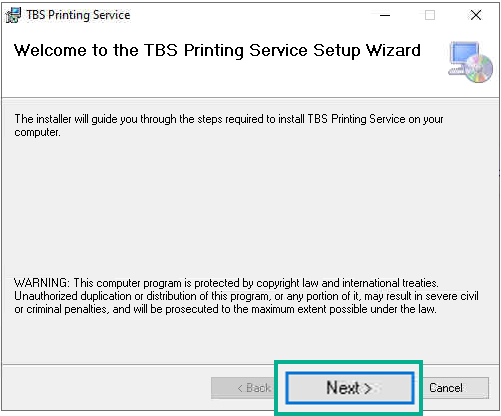
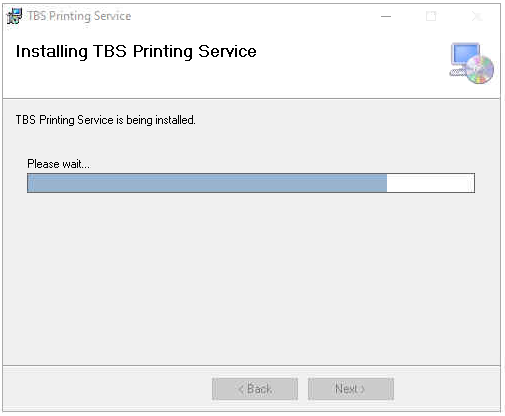
Once you have the client downloaded, now its time to install. CLICK "Next" on the following prompts to select a location to install and choose a printer.
Be sure to select the correct receipt printer that is installed on the staff computer. The Barcode must be left as Code39 and the Barcode Size should be left as Medium.
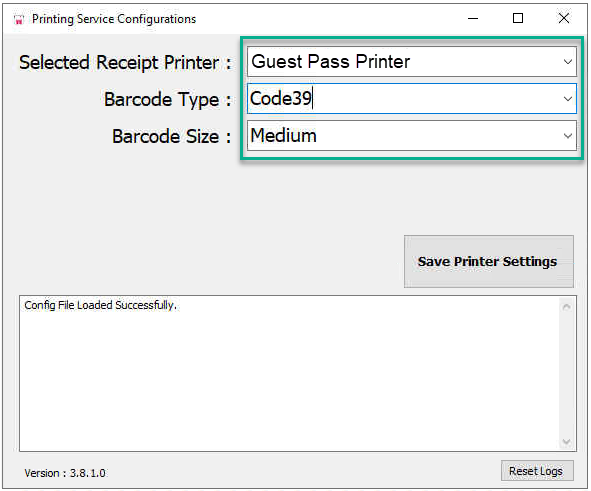
To complete the install select "Save Printer Settings" refresh the Guest Pass page and the error will no long show up. Feel free to print a Guest Pass!