
How to Reset all Counters and Parameters to Factory on TBS9900/Kiosk
On the 9900 board inside the coin tower, you have to push this combination to get to the hidden menu SERVICE Menu.
Starting at either the WELCOME! or HELLO! screen:
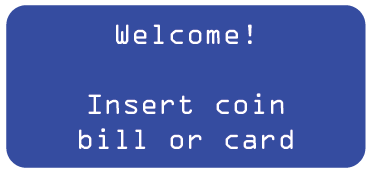

Press:
GREEN - 3 times
RED - 2 times
BLUE 4 times
BLACK 1 time to enter the menu.
You will now see the SERVICE menu. Click Green to enter the menu.
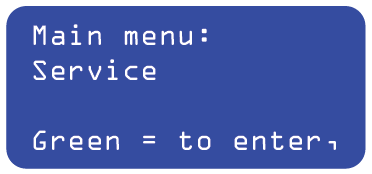
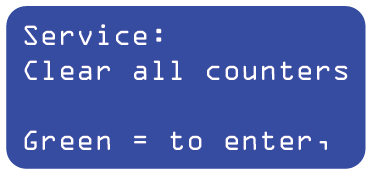
Clear all Counters: resets all audit counters (does not include the coins inventory)
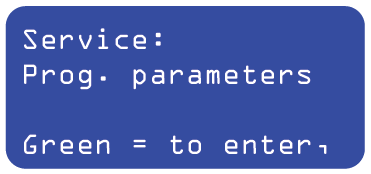
Prog. Parameters: resets all coin-op parameters to factory settings.
Once completed, you can reconfigure parameters if needed or hit the Black button until you get back to the Welcome! or Hello! screen.