
How to update firmware on CPI Gryphon High-Capacity Coin-Op and Talos Bill Recycler Firmware
Tools Needed: 9MM socket for Talos Bill Recycler Only
Parts Needed: Empty Fat32 formatted USB Drive with a Micro USB to USB adaptor, CPI Gryphon Coin-Op and CPI Talos Bill Recycler
How to confirm Current Firmware
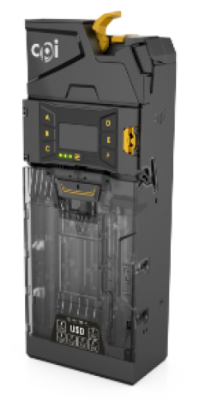
Gryphon High-Capacity Coin-Op Firmware
MENU button (3 Horizontal lines) > Setup > Test > Info > Changer > ‘App’ firmware
The Latest Firmware is V1.07.00
Talos Bill Recycler Firmware
Hold the Mode button on the recycler to enter the menu. When the MODE switch is pressed and held for 2 seconds, the unit will stop displaying the bill count and will display the current mode. The text will flash. Each press of the MODE switch will toggle to the next mode. If a mode is selected and the user takes no further action for 30 seconds, the bill count display mode will be automatically selected.
Press and hold MODE to cycle through the options stop when SF is displayed and hit SELECT.
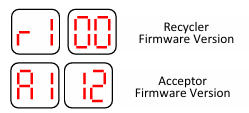
The Latest Firmware versions are: r1.05 and a1.22
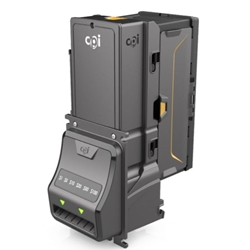
Note: Front face plate may differ
How to upgrade Firmware
If your firmware is older than the latest listed above, you can update it through the Micro USB port on each device. Starting with an empty FAT32 formatted USB Drive, copy the 'CPI' folder to the root of the USB from the .zip file found here: CPI.zip.
This file will contain the latest firmware for BOTH devices under the CPI folder, so you can use it on both devices without changing any files or settings.
Gryphon High-Capacity Coin-Op
Plug Micro USB into the Gryphon near the top of the coin-op facing you.
Once it recognizes the USB, it will prompt you to update. Hit 'F' to SAVE/Update.
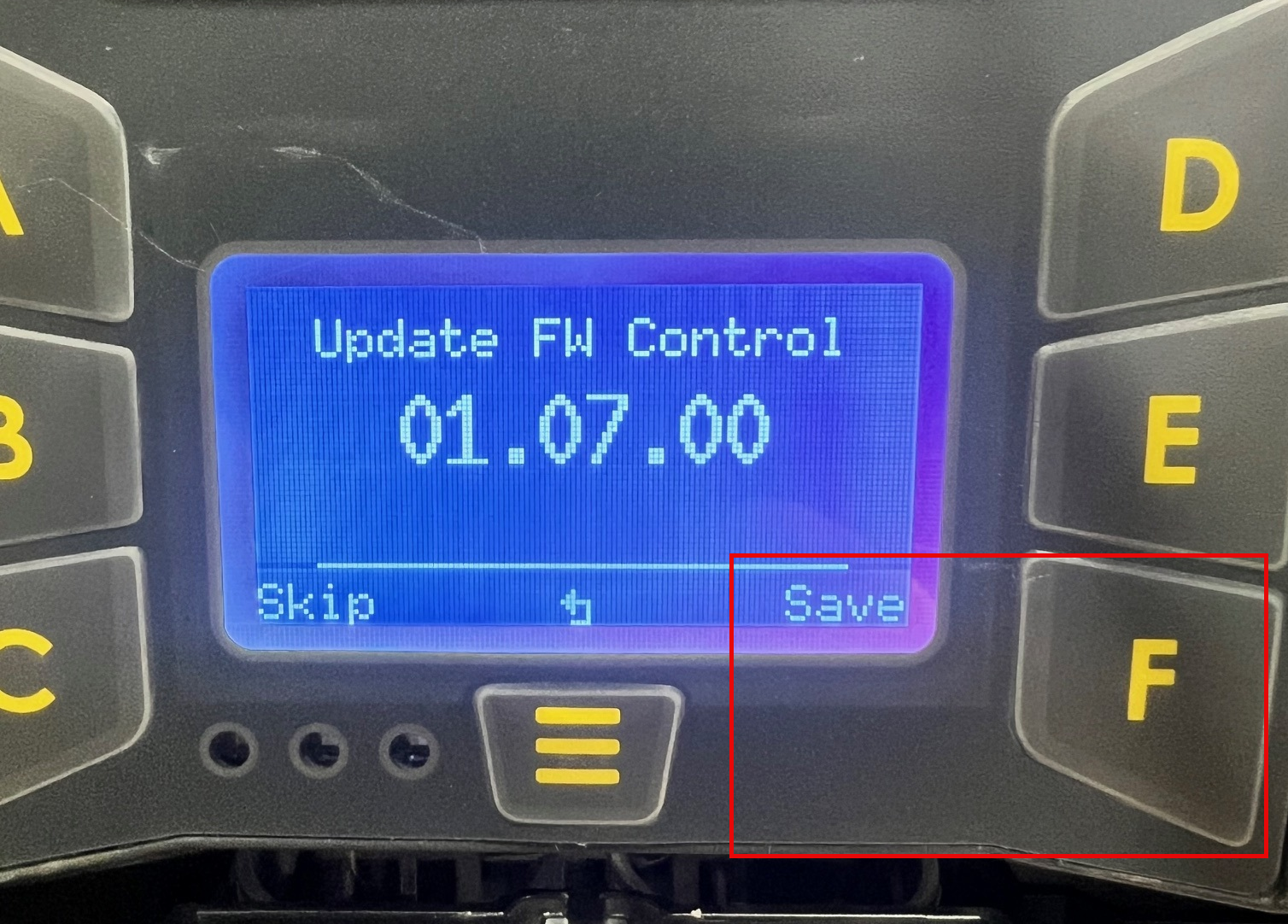
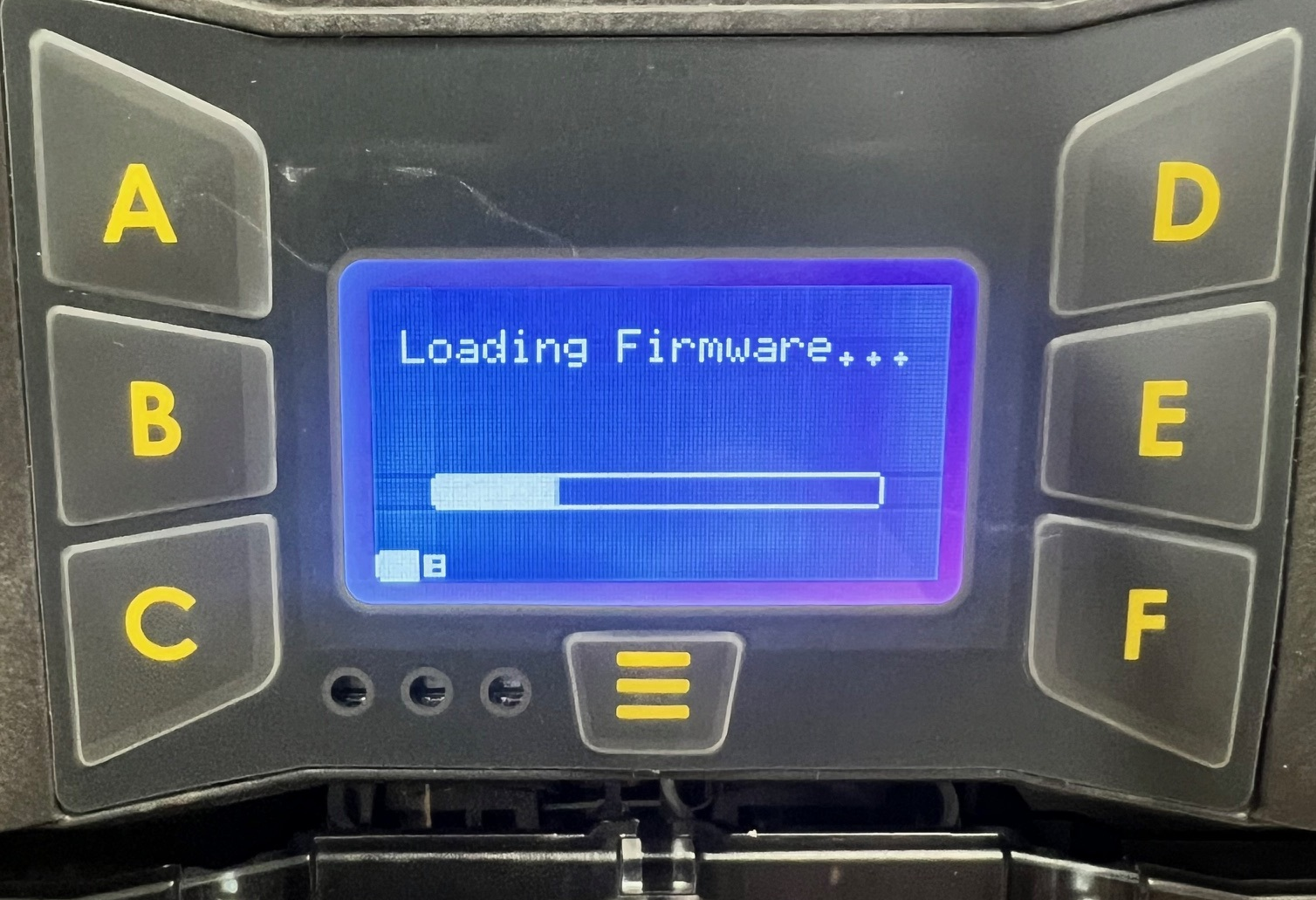
Once complete, it will cycle through and show Firmware Update Complete and then the new firmware version.
Talos Bill Recycler
You must first remove the bill recycler to get to the Micro USB Port. This is on the side of the device. How to replace a MEI/CPI Bill Recycler in TBS 9900/Kiosk | TBS Libraries KB
Once removed, plug the Micro USB in. After about 5-10 seconds, the unit will look like it is powered off, but it is now updating.
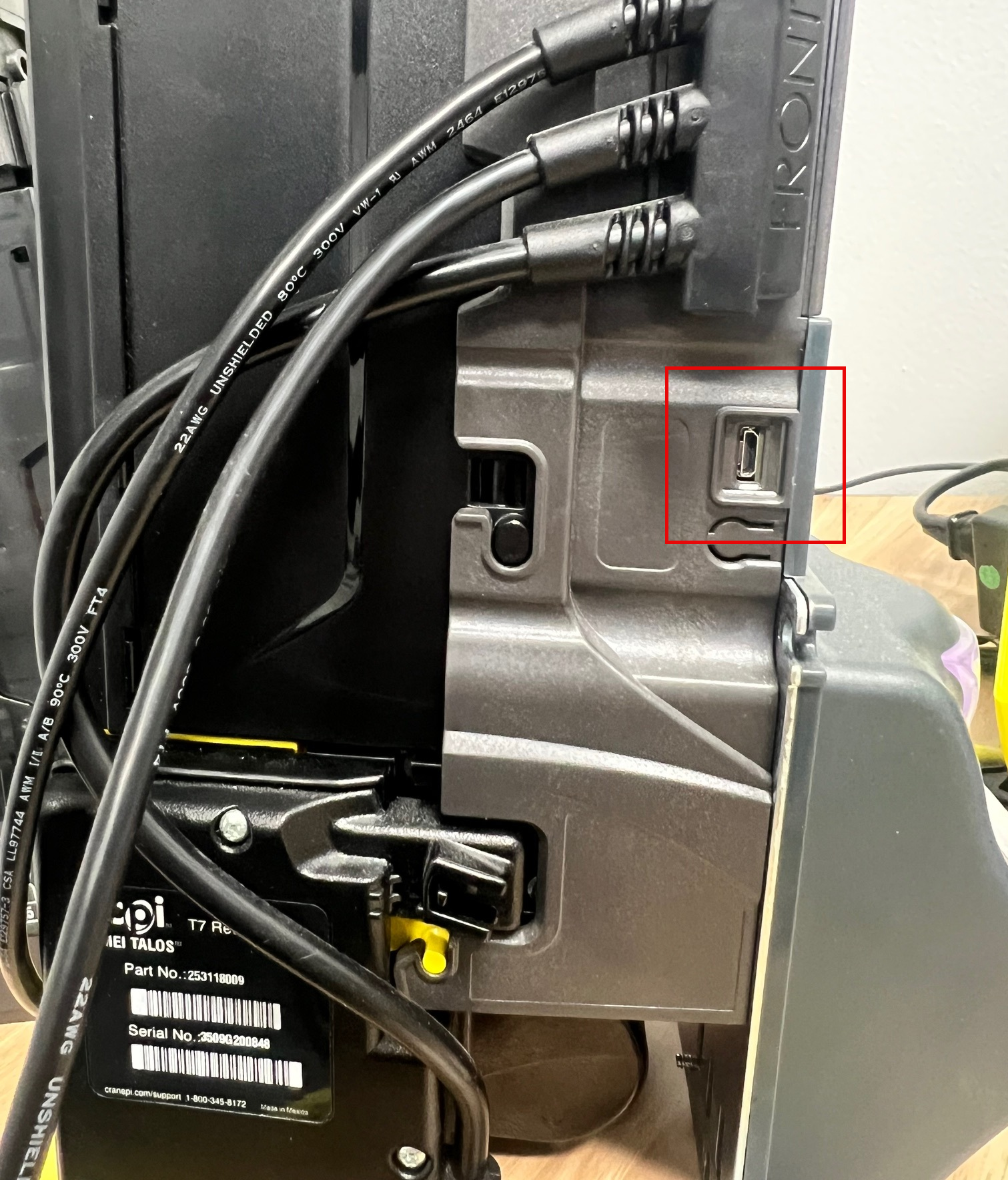
Once the update is complete, the bill recycler will power cycle and flash the new firmware on the mini screen on the back.