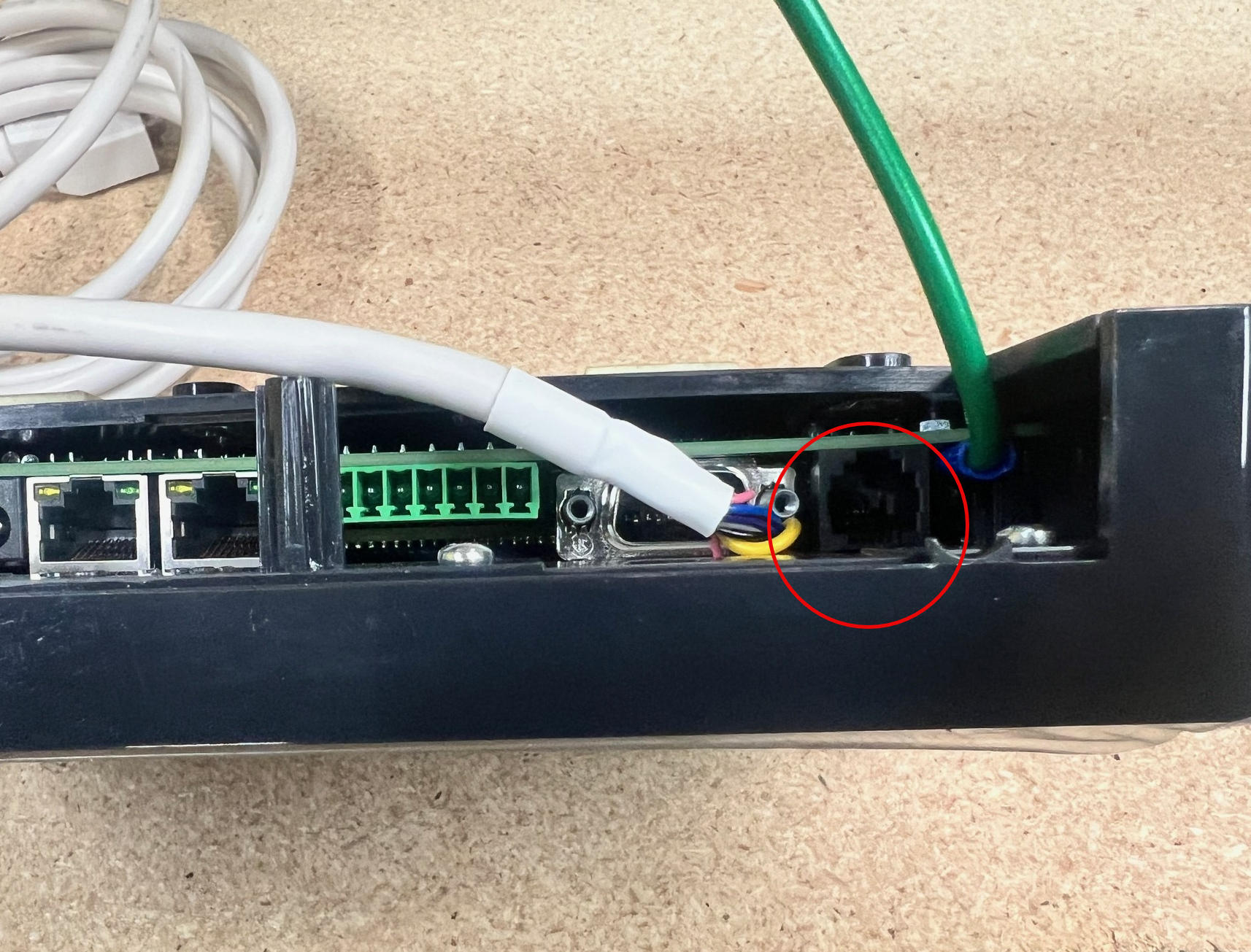
TBS Kiosk/cPad displaying "Error! Can not connect"
The Cause
When your Kiosk or cPad displays the error "Error! Can not connect coin/bills device" or "Error! Cannot connect to payment device".
The Resolution
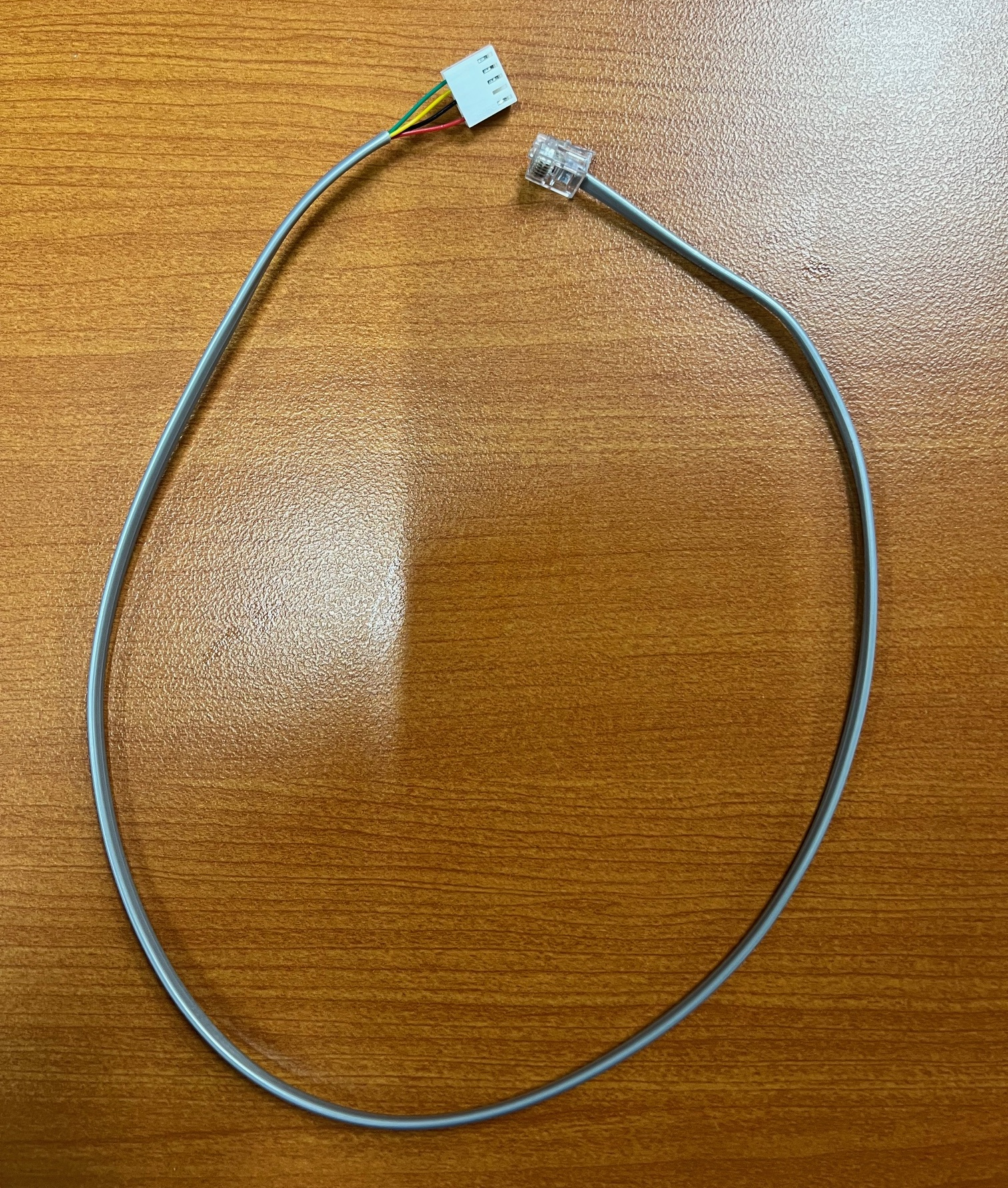
The TBS Kiosk or Cpad Stand with Credit Card Only connects from the 9900 board directly to the cPad using a 12-inch gray 4-pin to RJ11 cable.
NOTE: If you do not have any form of payment on your cPad Stand, please contact support, as you may have the incorrect firmware installed.
To resolve the error above:
Check to confirm that both ends of the cable are properly plugged in. NOTE: Always power everything down before connecting or disconnecting cables.
Cable Needed:
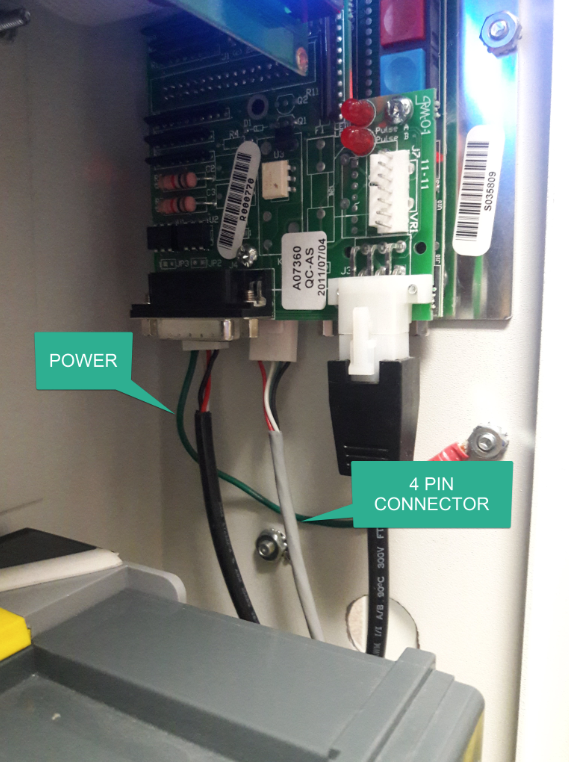
TBS990 Board, check the 4 PIN connector is plugged in and now loose.
cPad RJ11 Connector: