
How to create LPR printers on Windows
The Cause
Wanting to create windows queues as an admin to show under all profiles requires more printer management than print shares.
The Solution
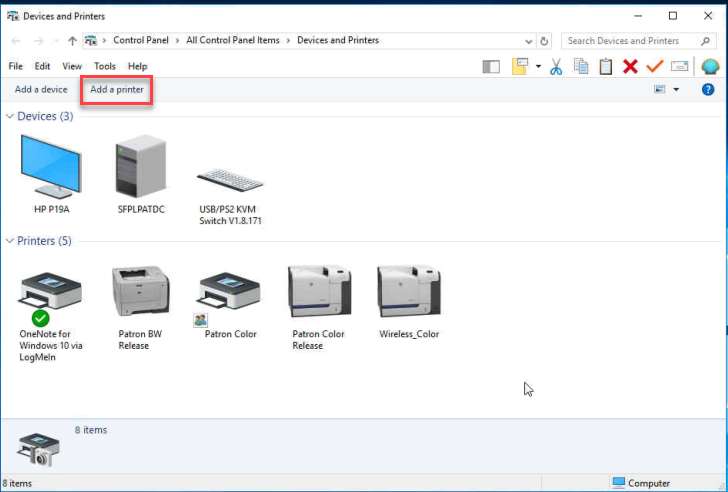
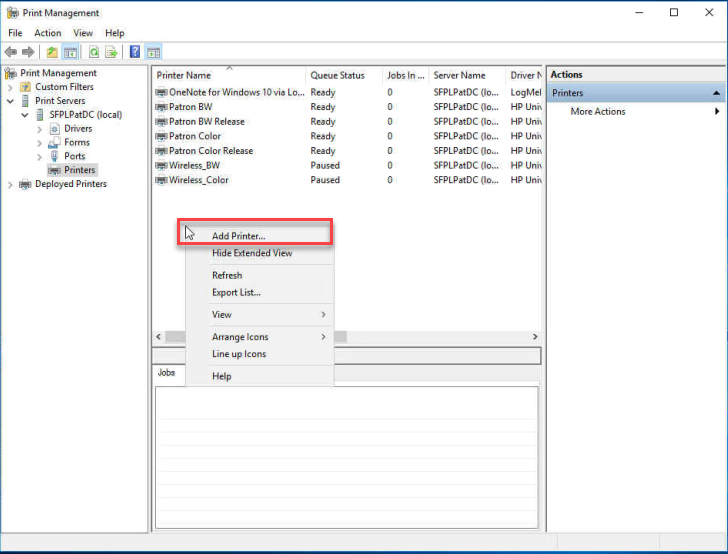
- Go to “Print Management”, or “Device and Printers” and ADD PRINTER
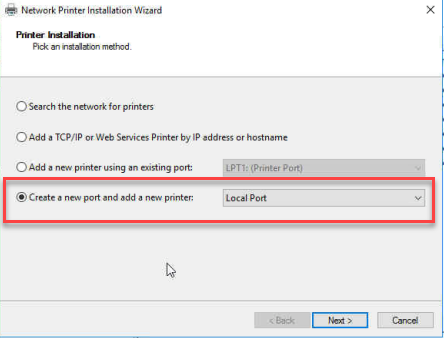
- Choose “Create a new port and add a new printer: LOCAL PORT
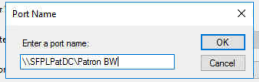
- “Enter a Port Name:” is where you put the share name Path and click OK. For example: “\\servername or IP\Patron BW” or “\\servername or IP\Patron Color”.
- Choose your driver that you want to use and click NEXT. NOTE: Always match the server Driver.
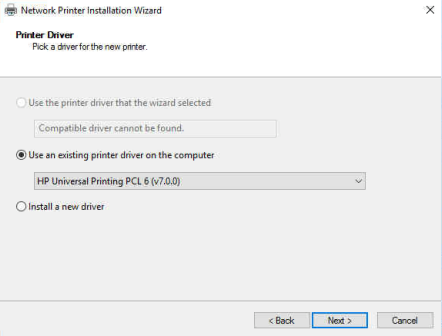
- Name your Printer and hit NEXT. Do not share the printer.
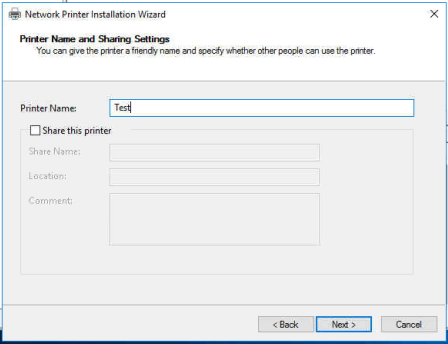
- Once prompted, hit FINISH and do the same for the COLOR printer.