Papercut-only Installation On Client
This document explains how to install PaperCut on a PC that is on a Domain or not on a Domain. See below for the setup you have and install accordingly.
DOMAIN SETUP
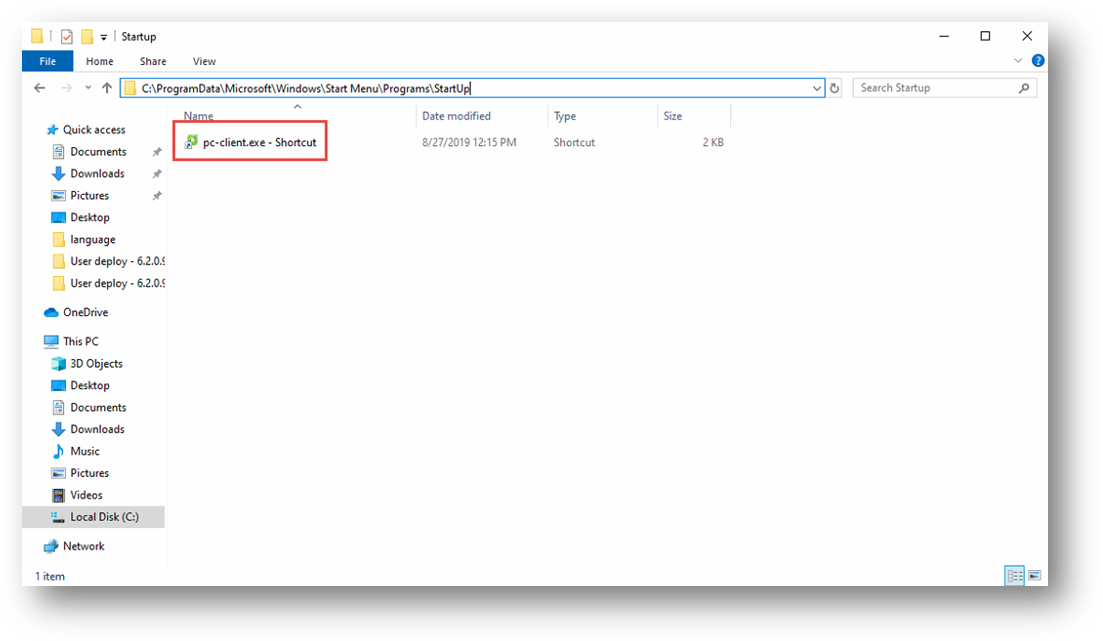
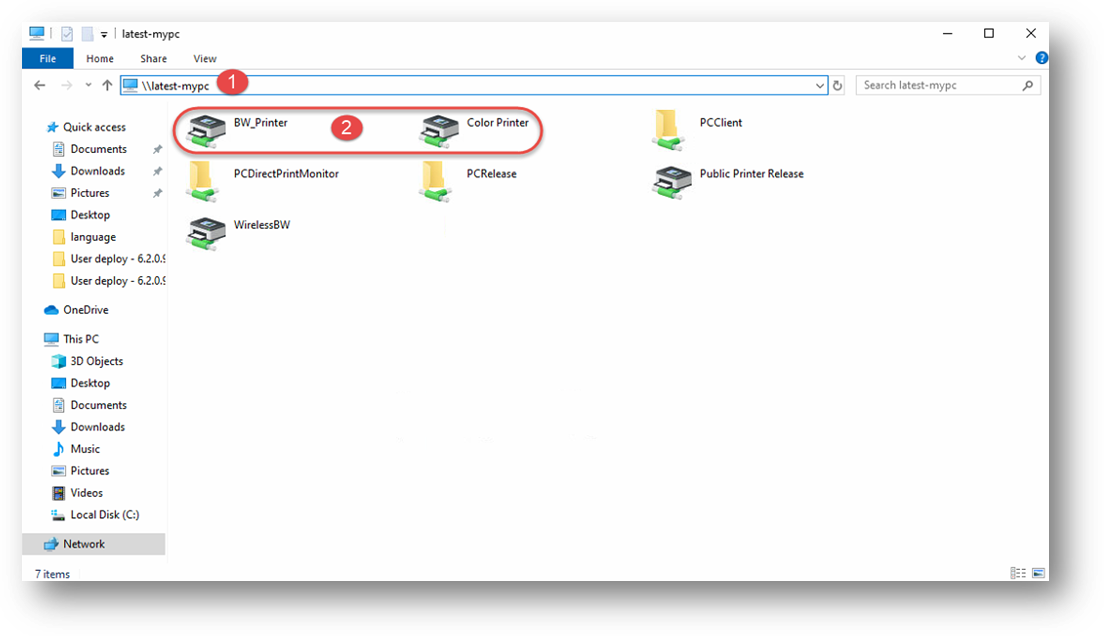
Browse to the server share: \\ServerName
Add both Color and BW print queues (Make sure you add the correct print queues setup for Print ONLY), this will download the driver as well.
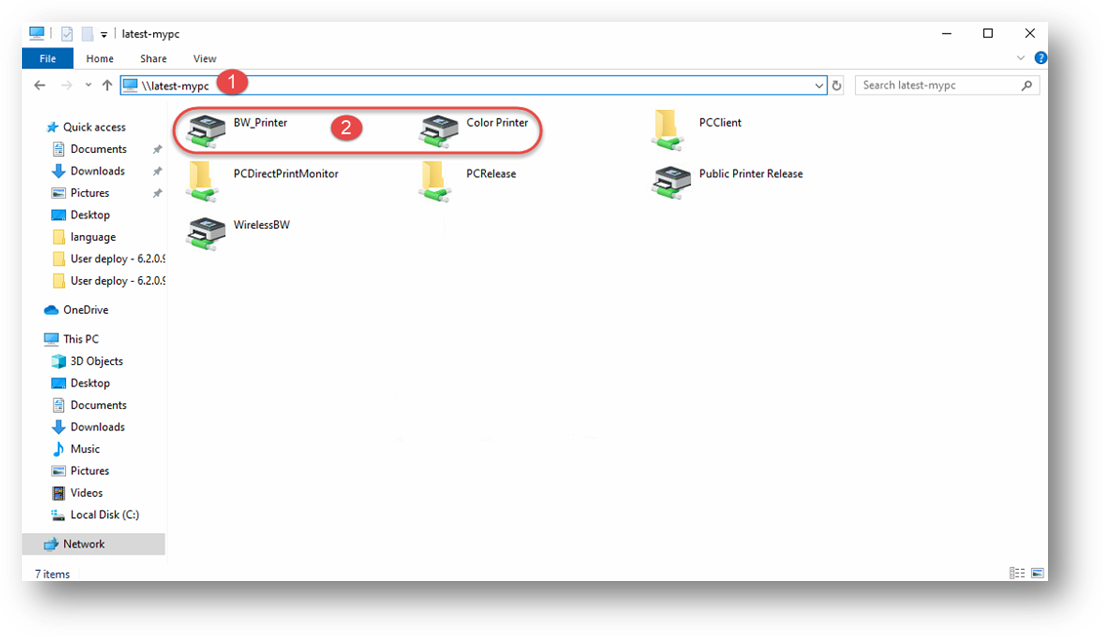
3. Create a shortcut of “pc-client.exe” from \\ServerName\PCClient\win and add this shortcut to the All Users Startup Directory (see below for directory location).
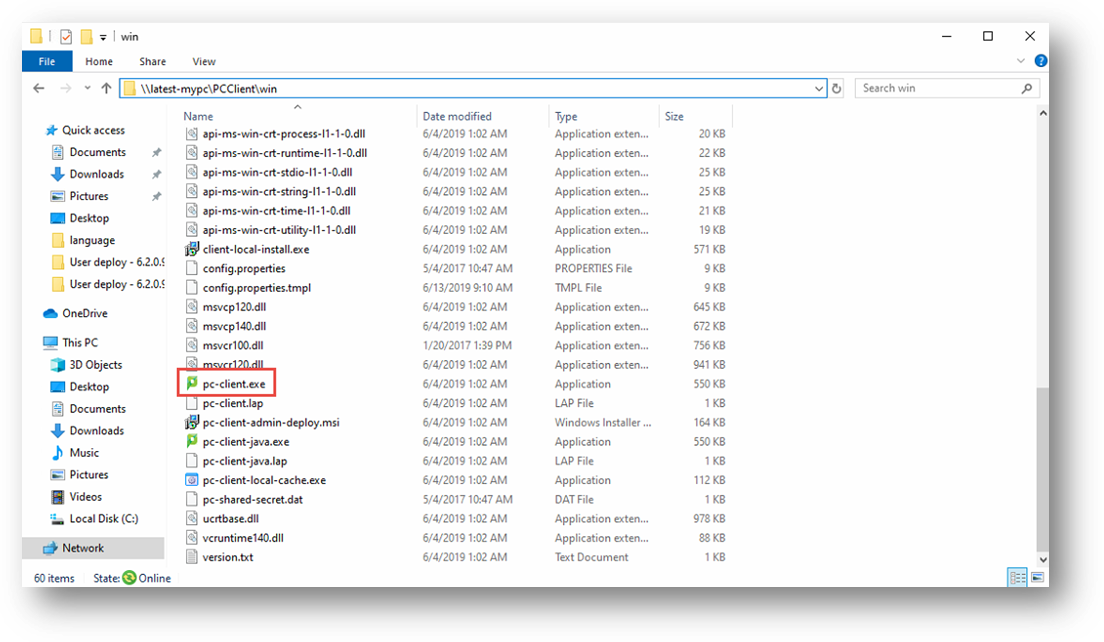
4. Windows 10/11: C:\ProgramData\Microsoft\Windows\Start Menu\Programs\StartUp
Local Setup (Use if NOT on Domain)
Browse to the server share: \\ServerName
Add both Color and BW print queues (Make sure you add the correct print queues setup for Print ONLY), this will download the driver as well.
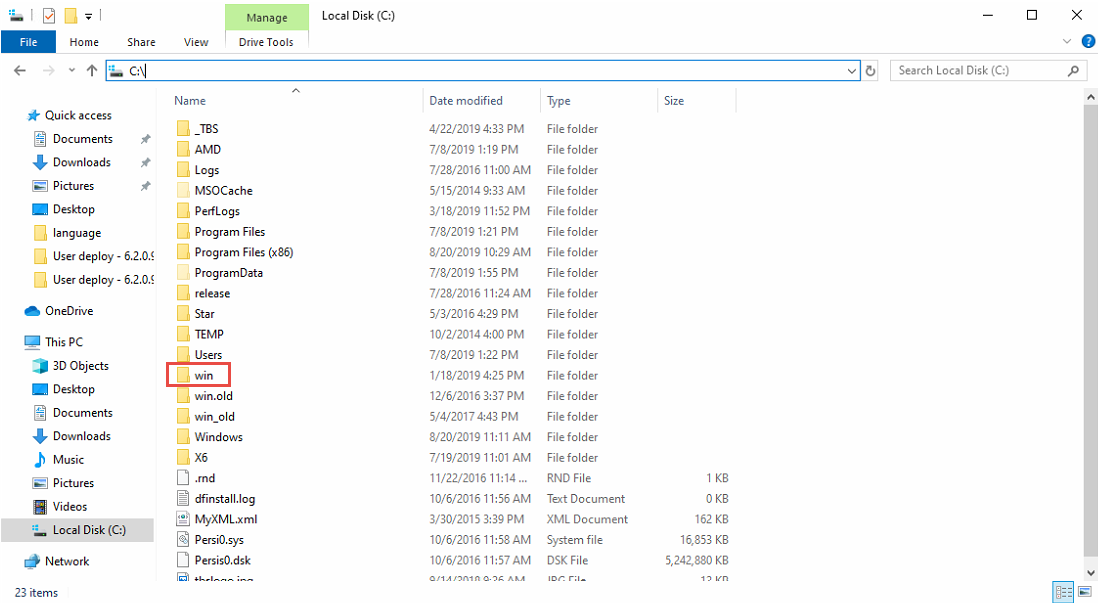
3. Browse to \\ServerName\PCClient and copy the “win” folder to the local C: Drive on the Patron PC. Create a shortcut of “pc-client.exe” from “C:\\win” sh add this shortcut to the All Users Startup Directory (see below for directory location).
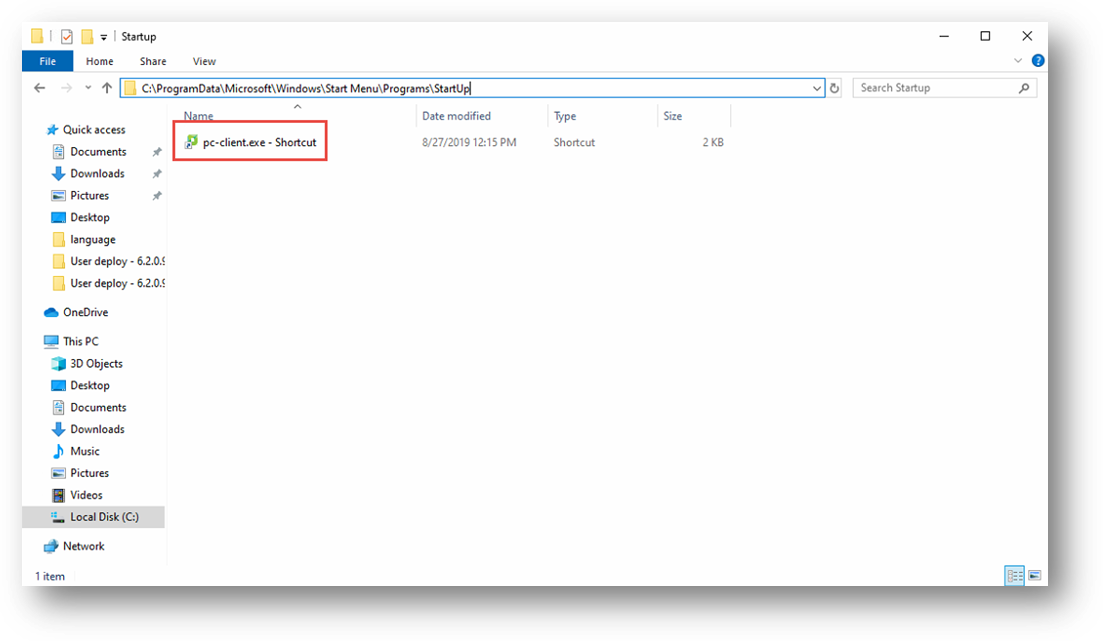
4. Windows 10/11: C:\ProgramData\Microsoft\Windows\Start Menu\Programs\StartUp